Lookup Google Sheets data in Google Forms
Populate dropdowns and autofill fields from a Google Sheet. No code.
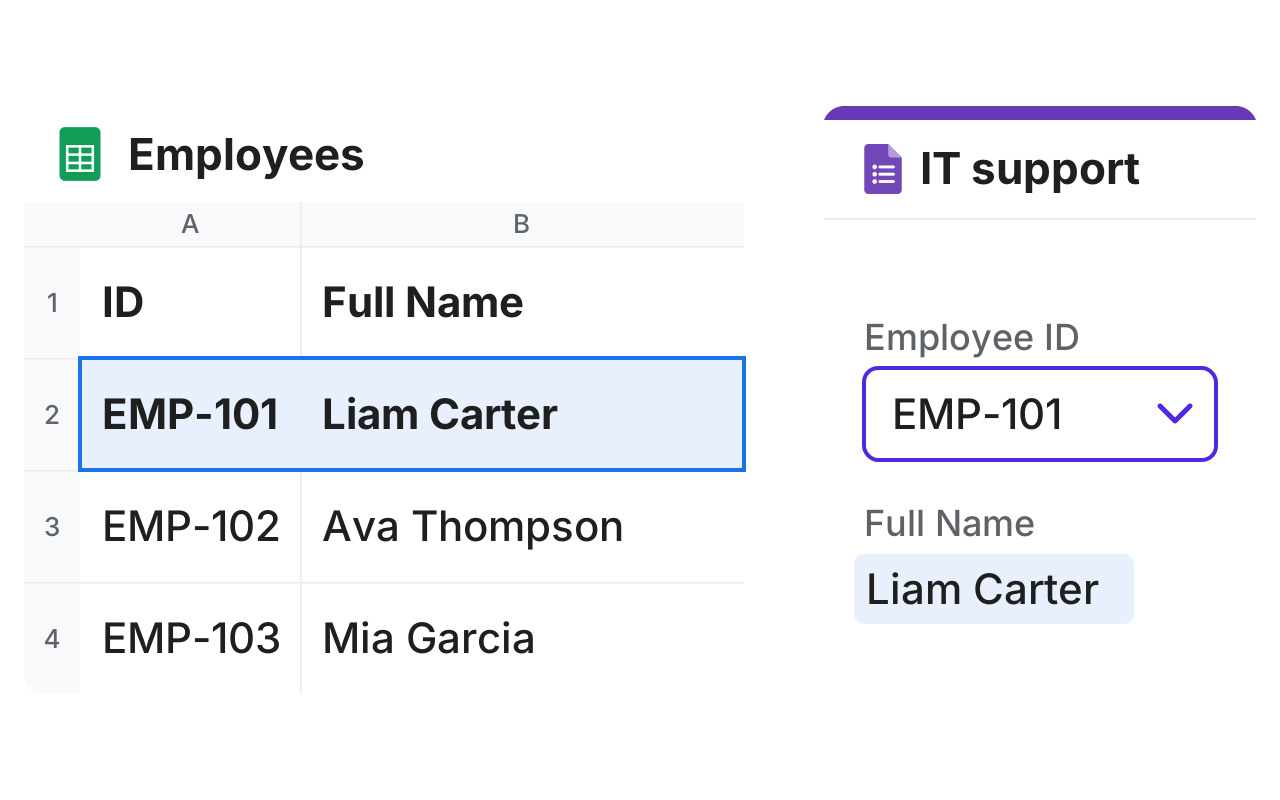
Populate dropdowns and autofill fields from a Google Sheet. No code.
A Google Form can't read from a Google Sheet, so you type or paste every list by hand. Formfacade fills your dropdowns and answers from one Sheet, so you only update the list once.
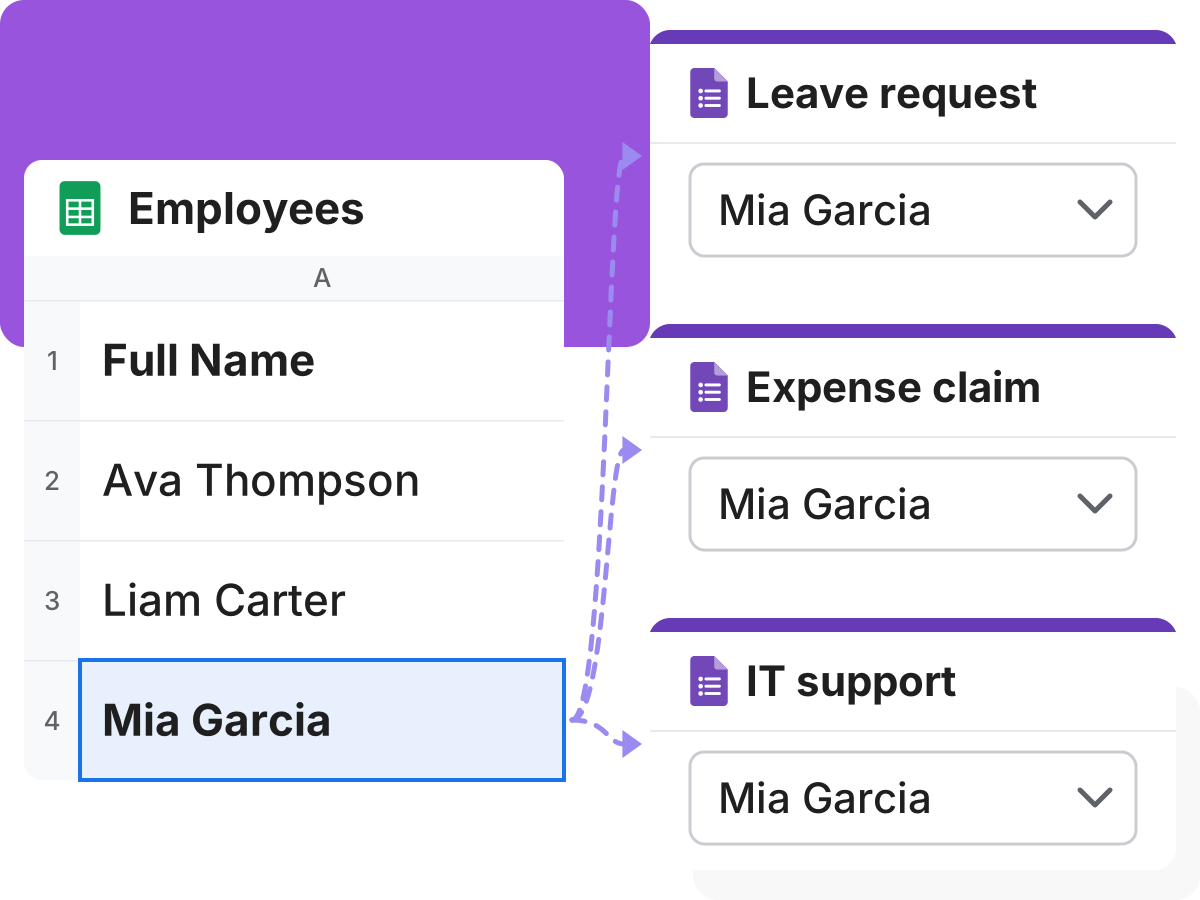
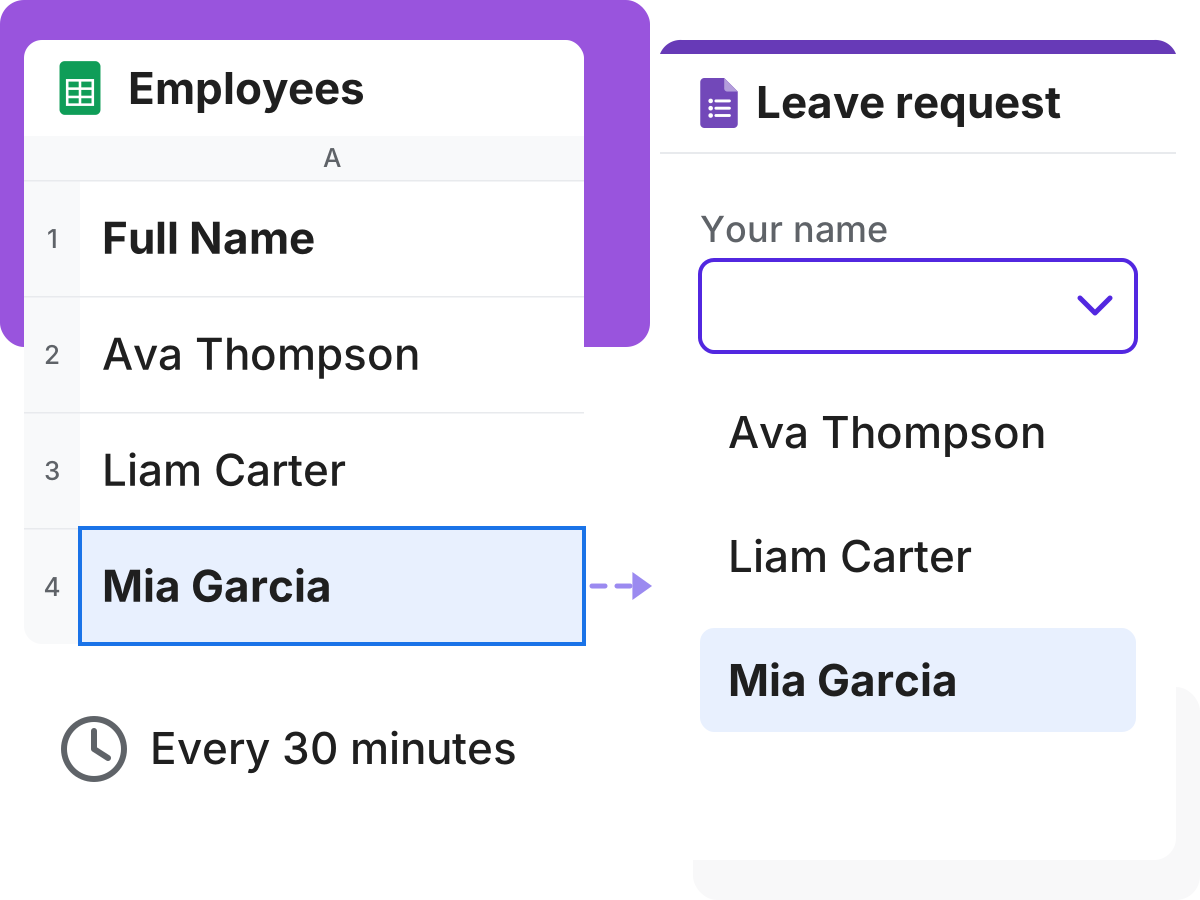
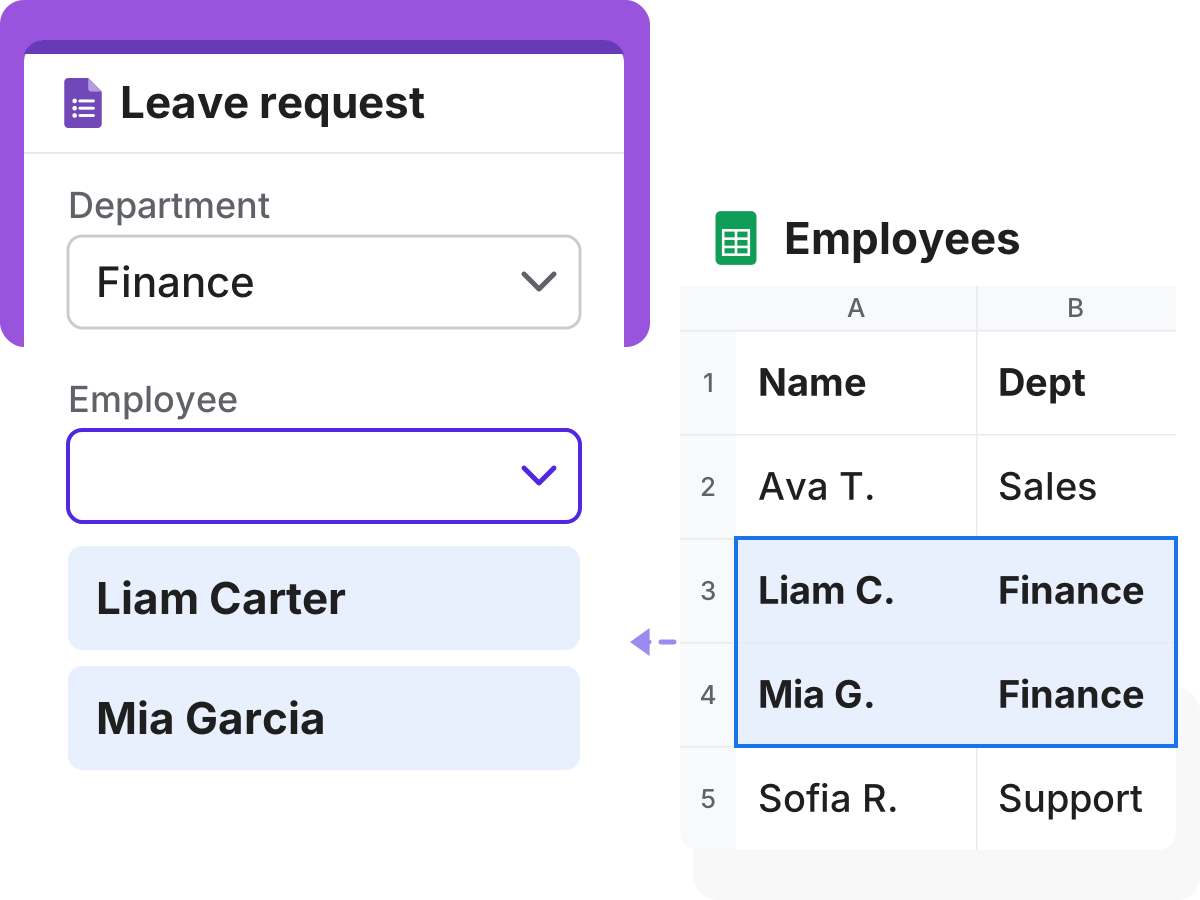
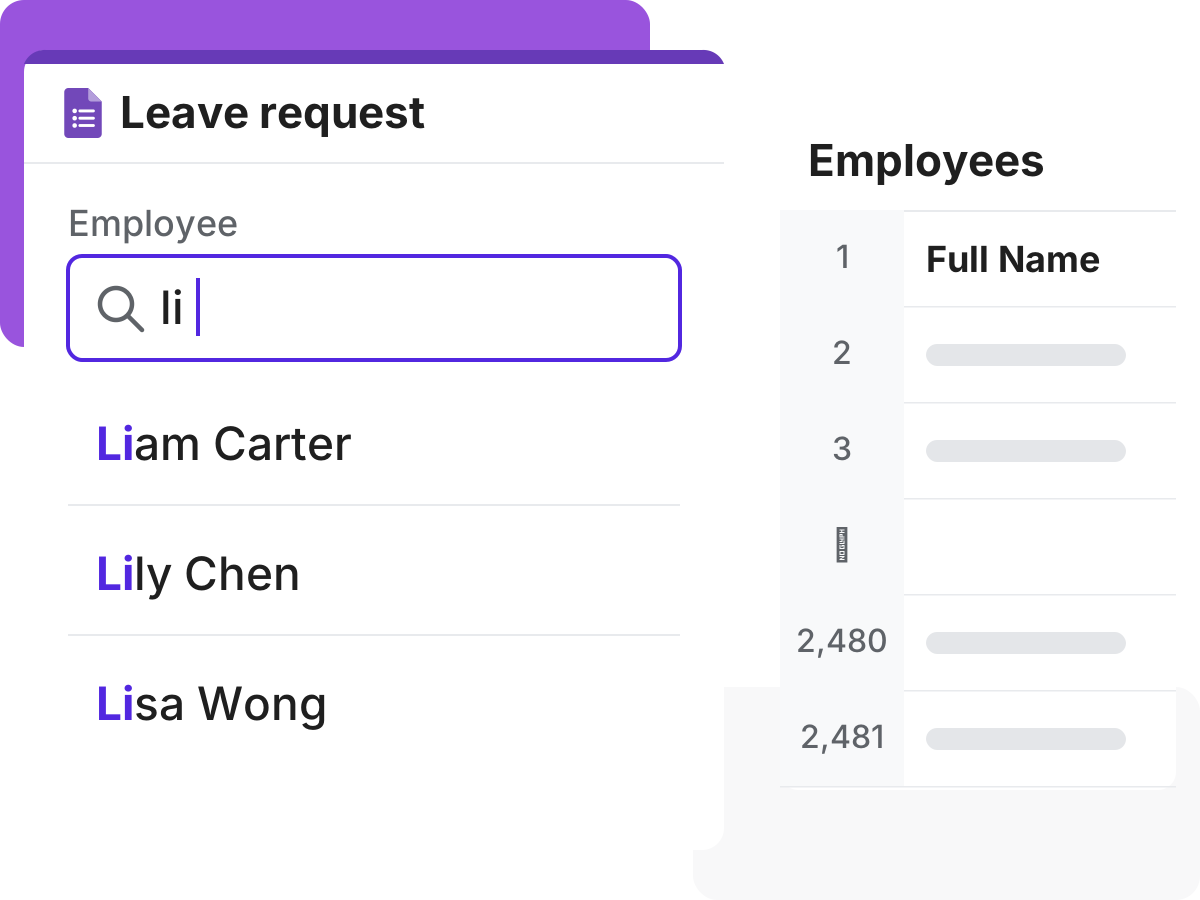
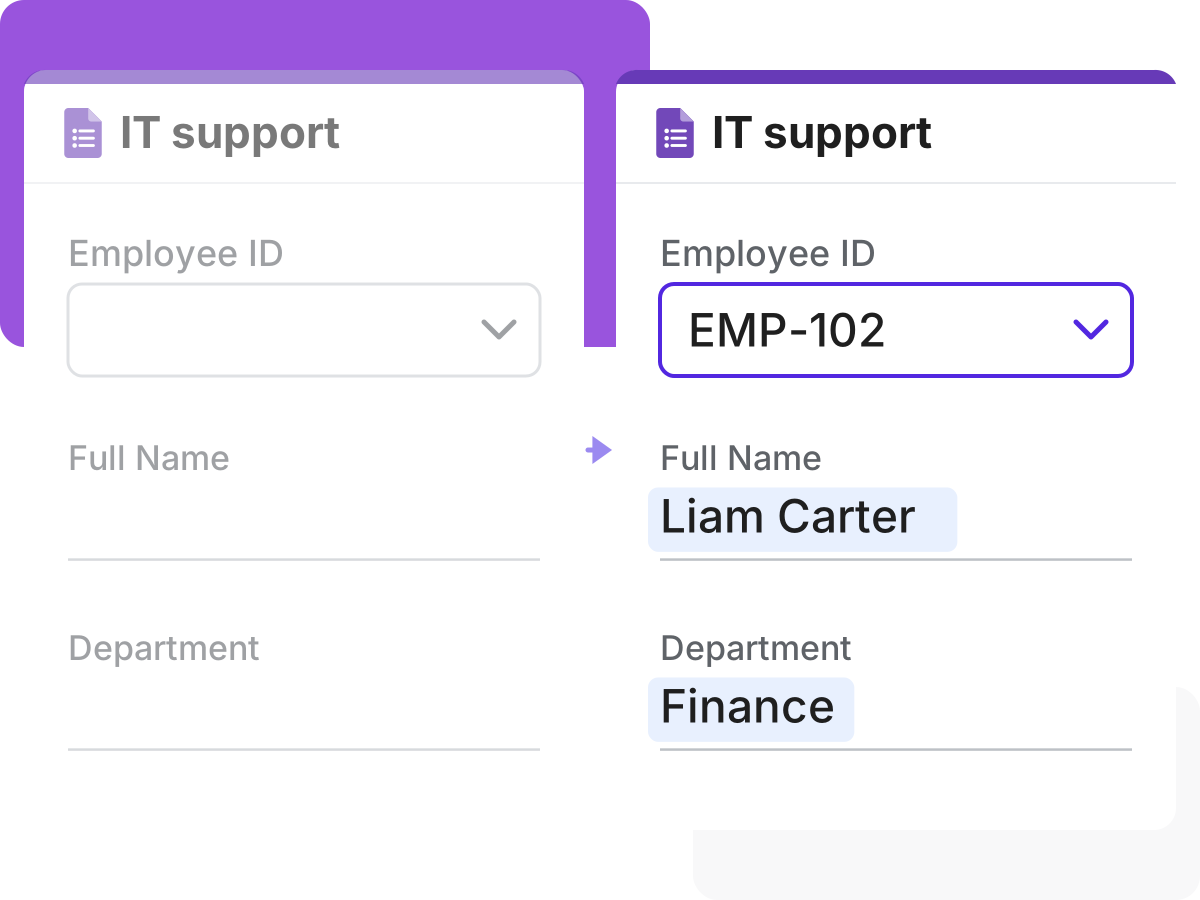
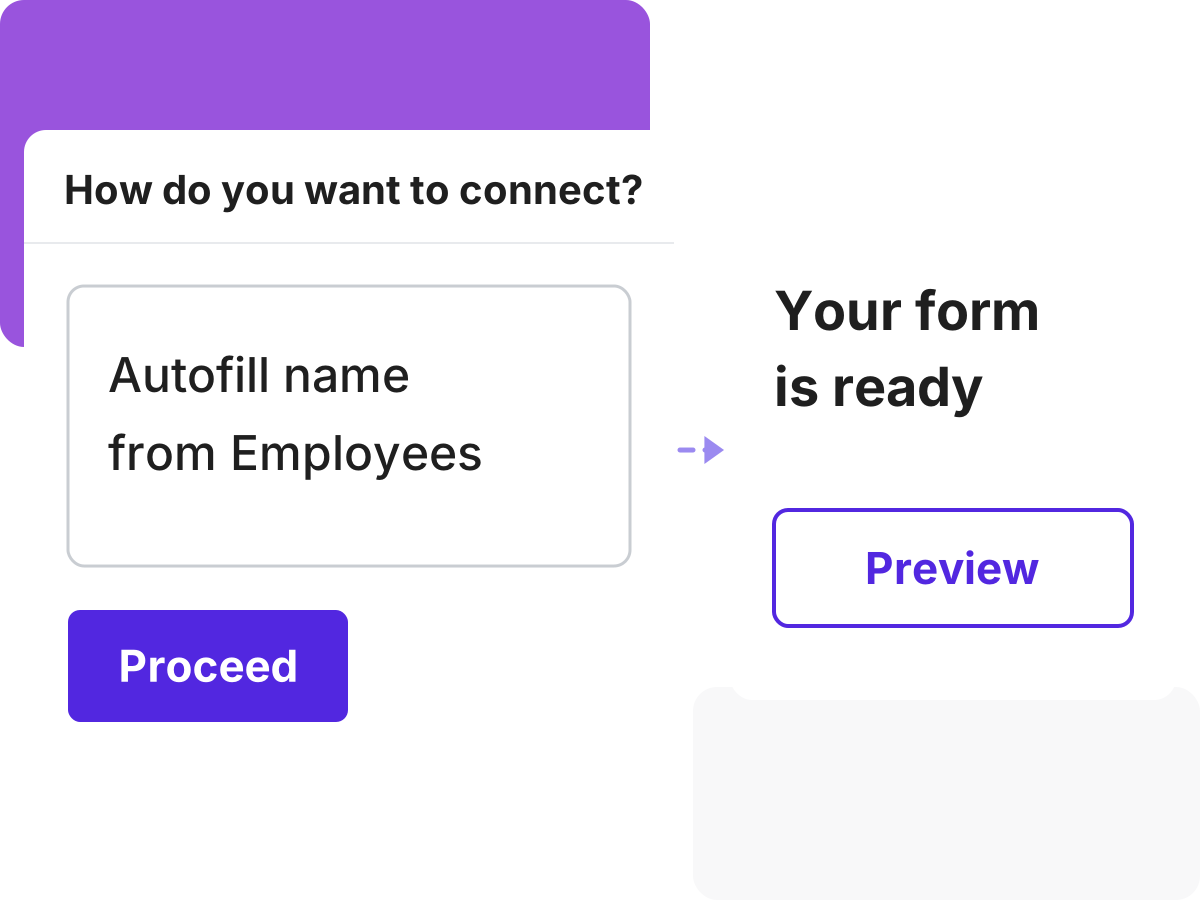
Three steps from a spreadsheet to a live data source for your forms.
Pick a Google Sheet. Your sheet is only ever read, never modified.
We keep your data fresh, syncing every 30 minutes or on every form submission.
Populate dropdowns, build conditional dropdowns, and autofill related fields in your form.

I really like using google forms. But, I needed something that looked a bit more professional and I stumbled across formfacade. It works great! Easy to use and include on my Wordpress site. It was also easy to download the information submitted through the form. This is absolutely one of the best apps I have ever used in terms of service and support.

Hands down one of the best add ons in Google Forms especially if you feel so limited in Google Forms. It has features like calculations - which is perfect for automating your processes. It also makes your form look minimalistic compared to the bulky design of Google Forms.

This is an amazing add-on. It provides another level of control of the look and functionality of your Google Form. The product is well thought out and easy to use. The support is great! Fast answers that went above and beyond.

An extra 5 minutes of work to incorporate my Google Forms into my website and present a more unified brand look, that is extremely valuable.

I really enjoy using Google Form as a tool to do my job, but appearance is not its best part. Formfacade helped me embed it in my website and make it look more professional.

We were using Google Forms for almost 2 years, but when we found Formfacade we immediately switched to Formfacade for its aesthetics and possibility of form customization in greater detail. It enhances the customers’ perception of your website and your brand.